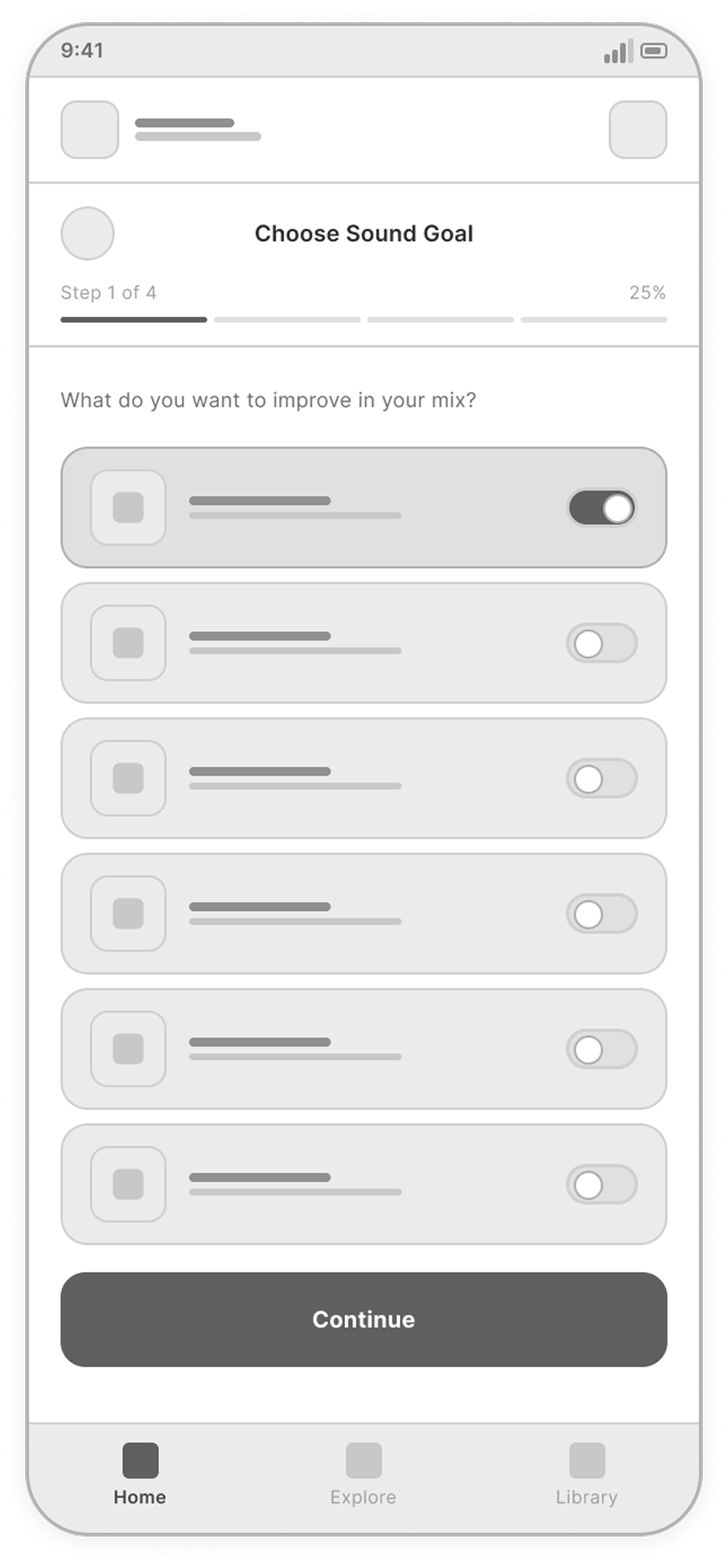
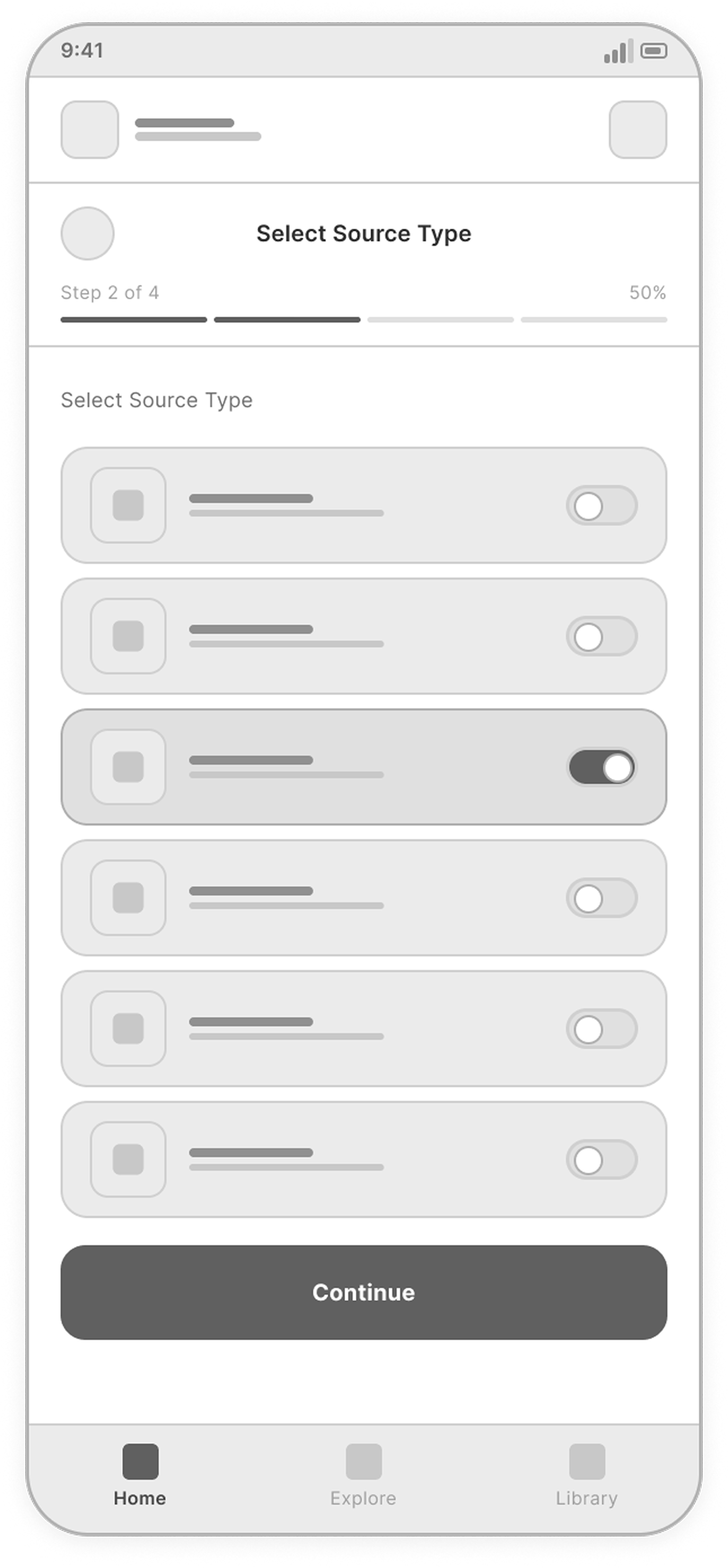
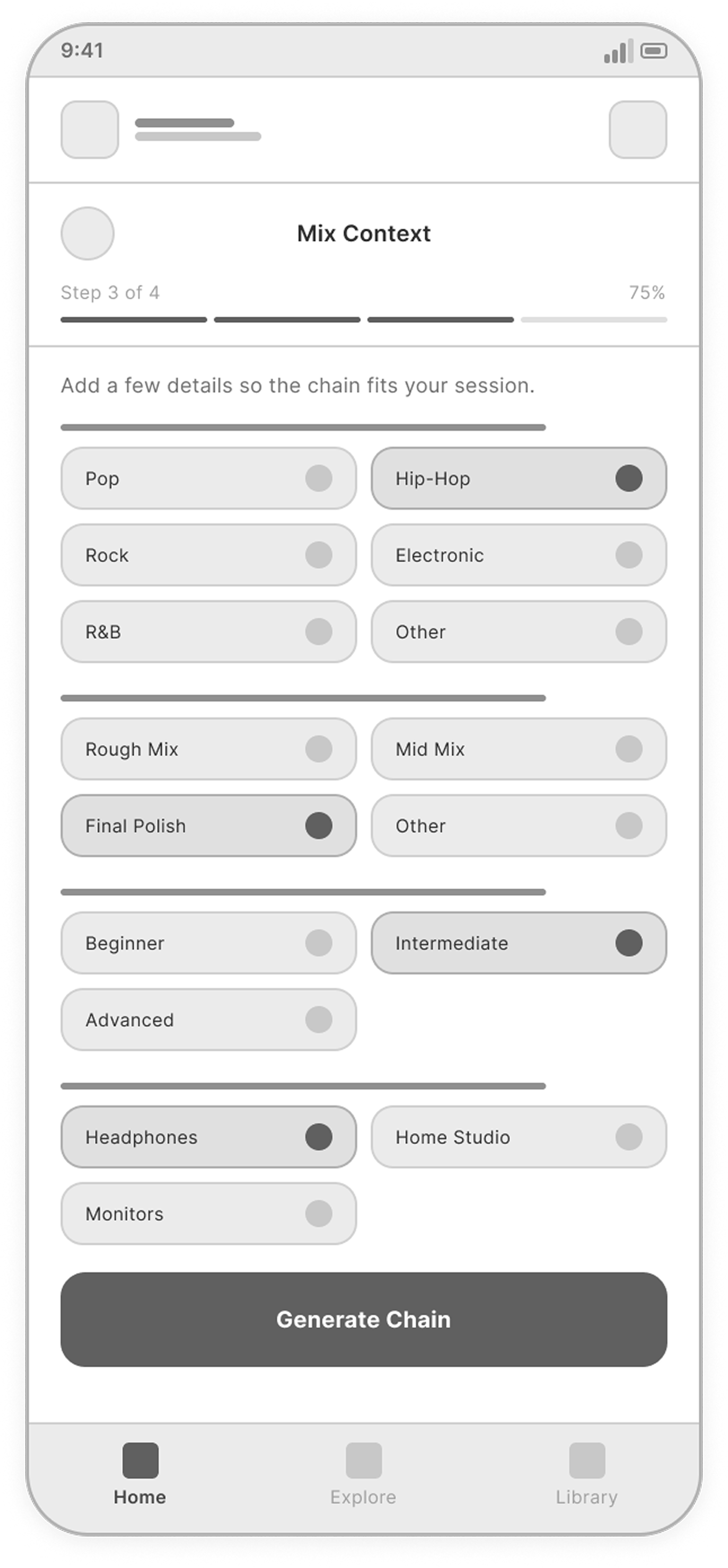
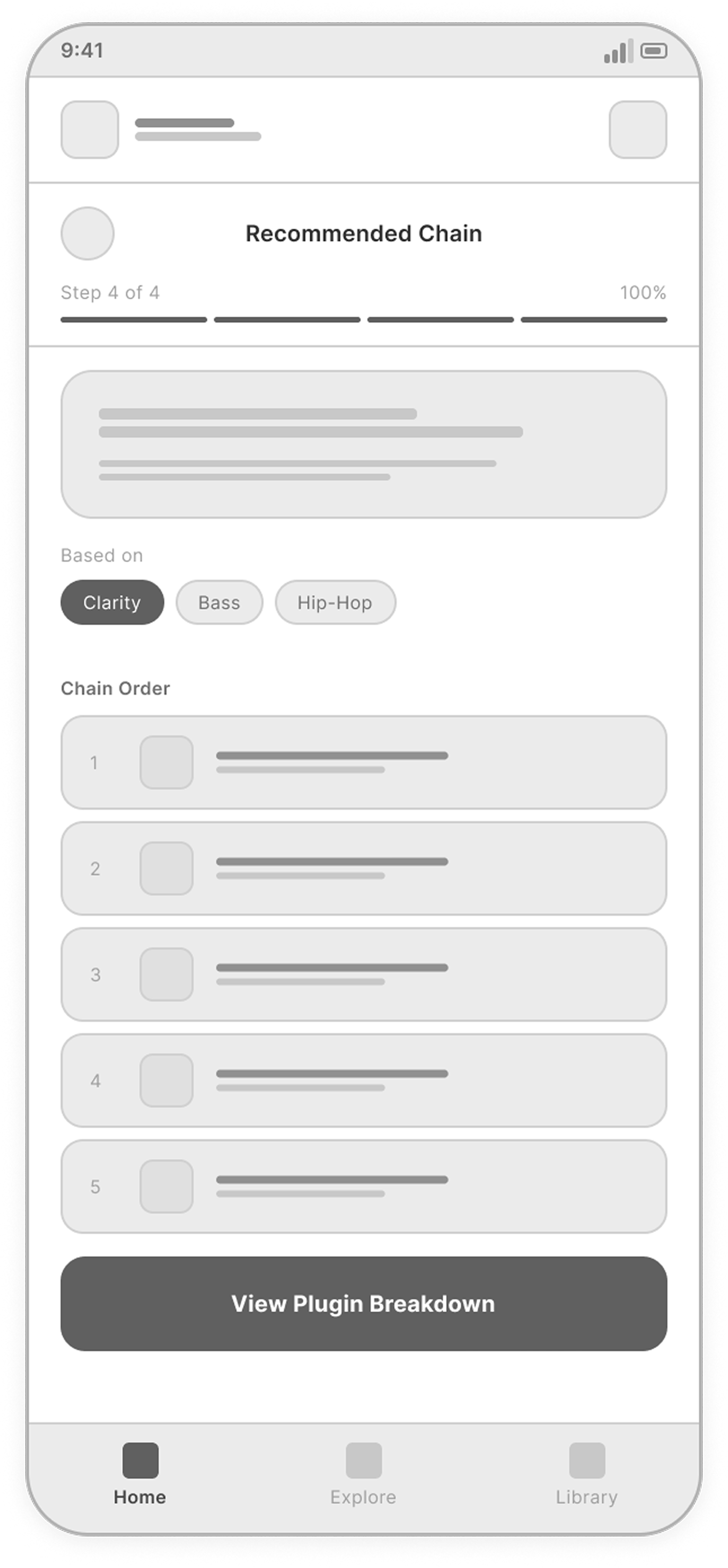
01 · Start
Start from a sound goal
Pick what the track needs, then the type of source being worked on.
Follow a guided path from your sound goal to a plugin chain. Click through the prototype to explore recommendations and saved choices.
Producers and engineers waste time searching for the right plugins across crowded marketplaces and complex documentation.
Music creators, producers, and mix engineers who need fast, practical recommendations during creative work.
Make it effortless to find, evaluate, and organize the right tools so creators can focus on making music.
Save time, reduce decision fatigue, and build better mixes with tools that truly fit your sound.
A guided flow that adapts to the user's goal and experience level, turning complex decisions into a simple, confident path.
More than 30 screens, grouped by what the user is trying to do. Each group shows the key screens of that moment.
Pick what the track needs, then the type of source being worked on.
A few details about the mix, then a chain built for it.
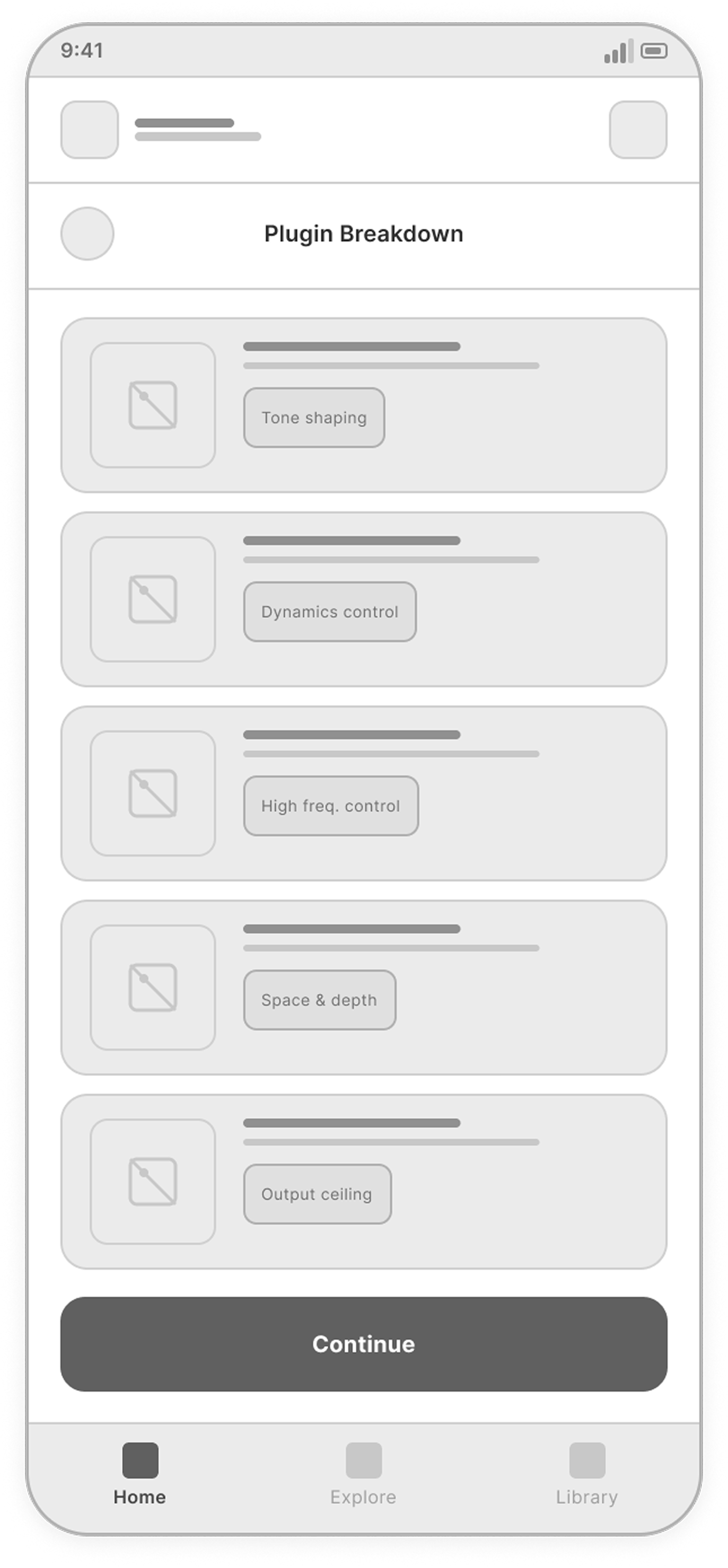
Open any step to see what each plugin does and why it is there.
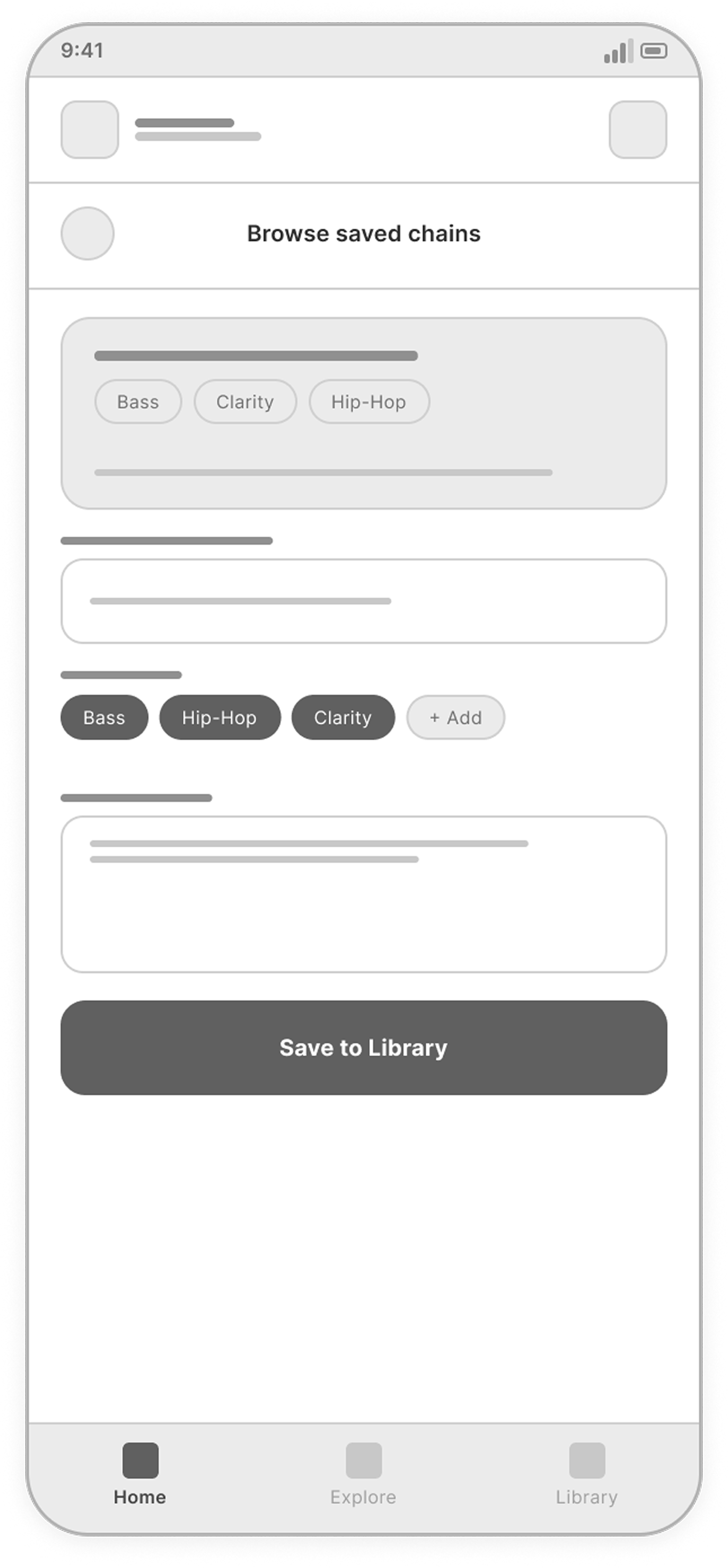
Name the chain, save it and find it in the library.
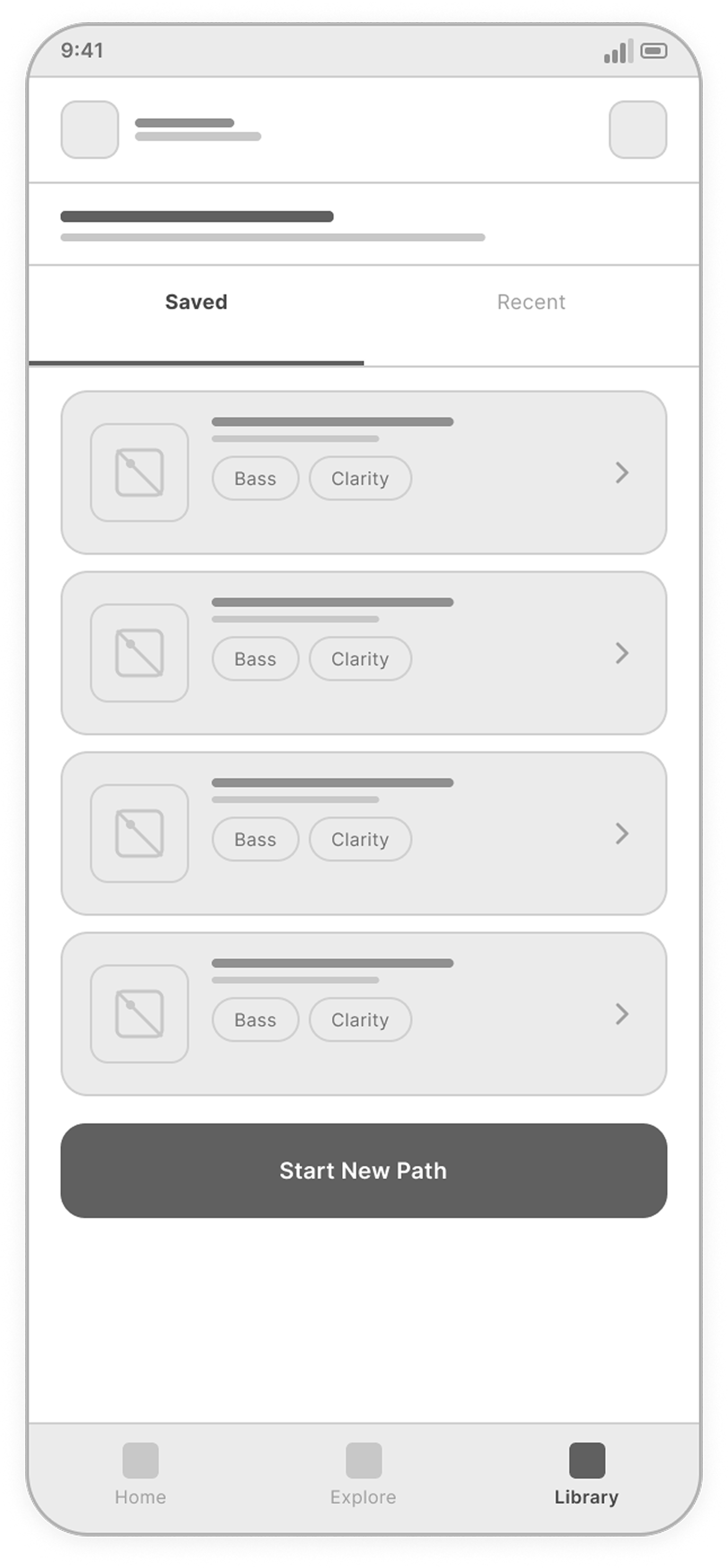
Favorites and recent chains, each with its full details.
Browse and search chains for other sources and styles.
A dark interface system: Montserrat for titles, Roboto for interface text, blue for actions and selection, and a small set of reusable components.
Montserrat gives the interface a strong, modern voice, while Roboto keeps labels and supporting text clean and readable.
Dark surfaces create focus, while blue accents guide actions, selected states, and navigation.
Simple monochrome icons support quick recognition across goals, sources, and actions.
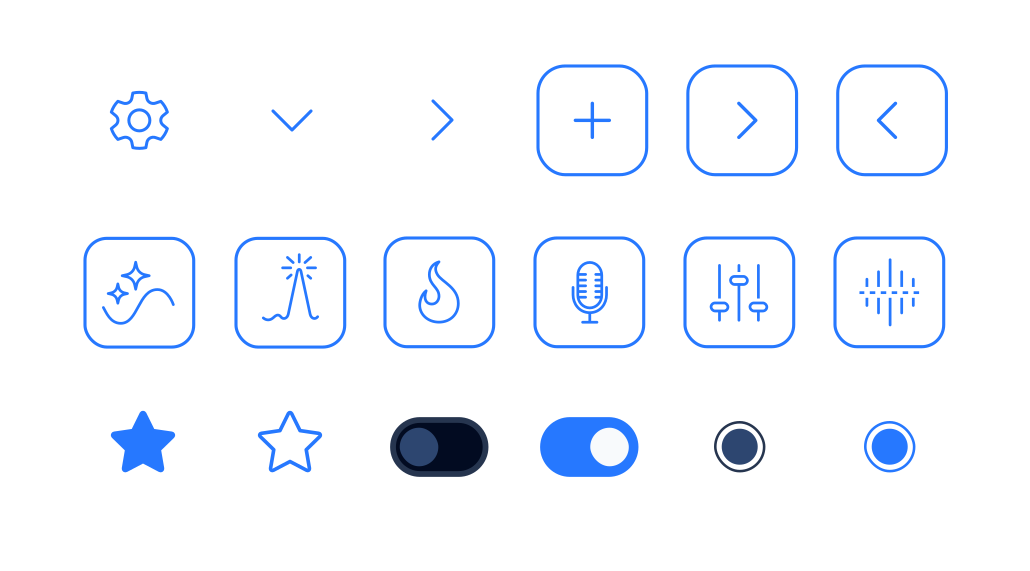
Reusable cards, buttons, chips, and navigation patterns keep the flow clear and consistent.





These choices define the recommendation journey. They have not been tested with users yet and remain assumptions to check with creators.
Instead of: starting with a searchable plugin catalog.
Why: A creator may know the sound they want without knowing which plugin produces it. Starting with a sound goal gives them a useful entry point.
Instead of: collecting every detail in one long form.
Why: Goal, source and mix context each narrow the recommendation. Separate steps keep the current choice focused, while the progress indicator shows what remains.
Instead of: a flat list of recommended plugins.
Why: Order and purpose matter in a chain. Showing the stages first gives each plugin a role, and the breakdown explains why it belongs there.
Instead of: a result that disappears after the session.
Why: A useful chain can be a starting point for another track. Saving it lets the creator return to the recommendation and its explanation.
SoundPath creates a guided path from a sound goal to an explained plugin chain.
SoundPath is a self-initiated concept, not a launched product. I designed the goal-to-chain journey, UX/UI, reusable components and clickable prototype, using ChatGPT and Claude during development. It has not been tested with users.
I would first test whether the sound goals match creators’ language and whether the chain breakdown explains the recommendation clearly. If implemented, I would measure path completion, time to a saved chain and reuse of saved chains in later sessions.